 Lap
LapWho it's for
- Family photo archives spanning decades of folders
- Photographers who want fast culling without a database
- Anyone migrating away from a cloud service who wants their files back
Browse, search and organize your photos on your own disk — no cloud upload, no account required.
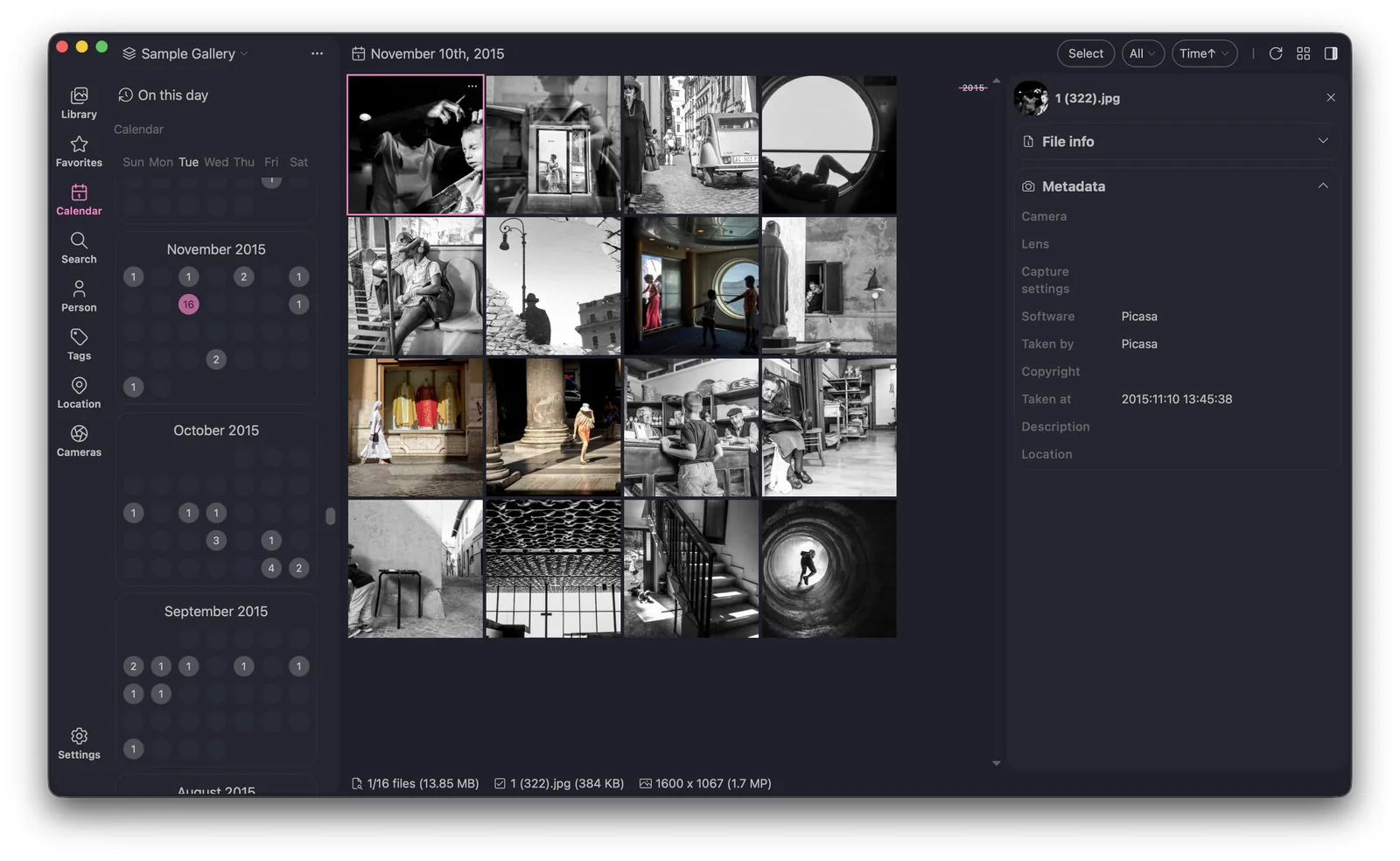
Lap is a folder-first photo manager for macOS, Windows and Linux. Instead of importing your photos into a closed database, it works directly with the folders you already have — so your files stay ordinary files, and you stay in control.
Work with your existing folders instead of a locked database.
Keep separate libraries for family, work and clients.
Scroll through photos chronologically or jump by date.
Filter by camera, lens, location, tag, rating and more.
Your originals remain ordinary files you can open anywhere.
No. Lap runs entirely on your computer and works with local folders. There is no required cloud account or upload.
No. Lap indexes your existing folders and leaves the files where they are.
Yes. Lap supports multiple libraries so you can separate family photos, work and client collections.
A folder with 100,000 photos is not the same problem as a folder with 1,000. Thumbnail grids stop scrolling smoothly, duplicate copies multiply every time you import from a phone, and the RAW file you want is sitting next to a JPEG with a different name. Lap indexes your existing folders in place and keeps the index incremental, so adding a new shoot does not mean rebuilding the library. You can point it at an external drive, a NAS mount or a second internal disk and browse all of them side by side.
Shoot RAW plus JPEG and the pair belongs together. Lap recognises RAW and JPEG files that share a base name, shows them as one entry and lets you decide which copy to keep — without renaming anything or generating sidecar files that other apps cannot read. Supported formats include the common RAW variants from Canon, Nikon, Sony, Fujifilm and Panasonic, alongside JPEG, PNG, HEIC and TIFF.
Everything that matters runs on your machine: the index, the duplicate finder and the natural-language search model. That means it keeps working on a plane, in a studio with no Wi-Fi, or on a desktop that is deliberately offline. Nothing is uploaded, and the same behaviour applies whether you are on Windows, macOS or Linux.